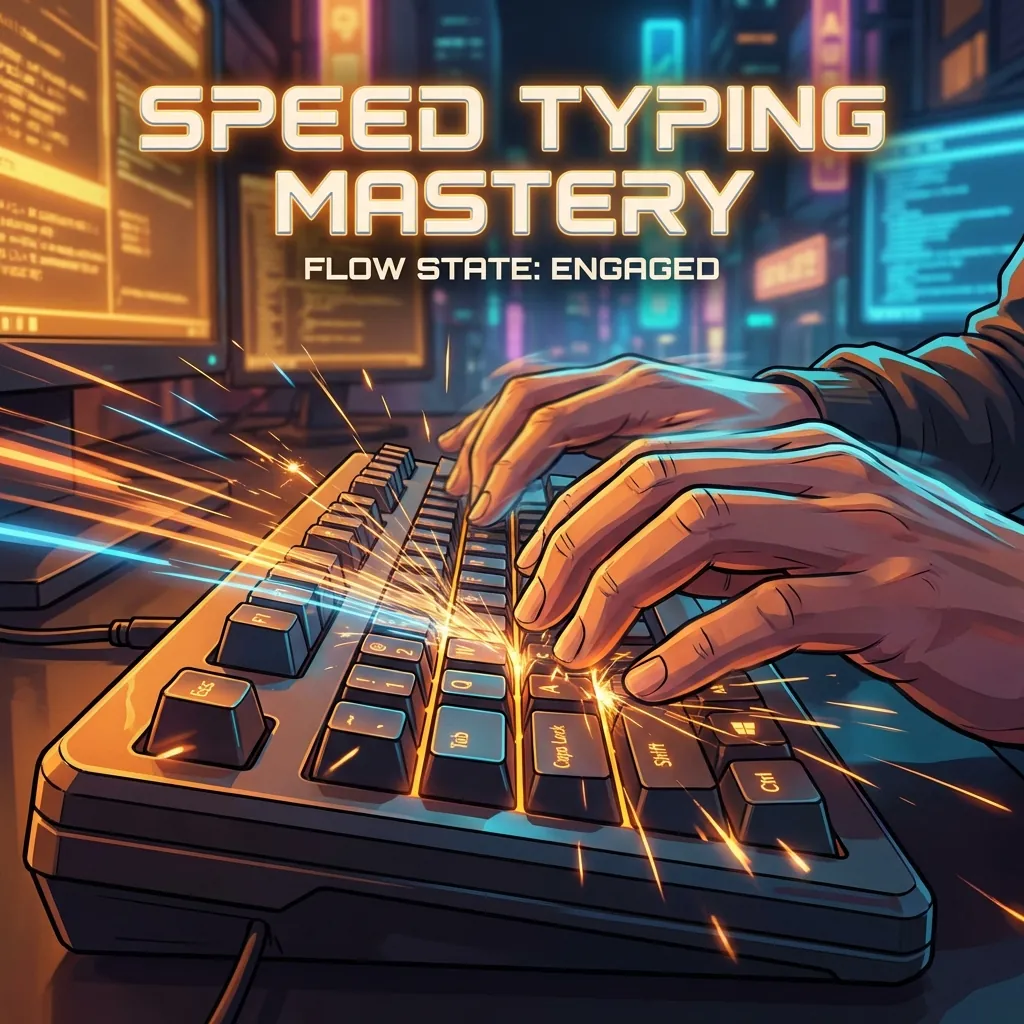
Stuck at 40 WPM? I was too. Here is the specific practice routine, the mindset shift, and the tools I used to break the plateau and hit 100+ WPM.
For years, I told myself a lie: "I type fast enough."
I hovered around 45-50 WPM (Words Per Minute). It felt adequate. I could get my emails done. I could write code. Why did I need to be a speed demon?
Then I watched a senior engineer at my first job. He wasn't just typing; he was flowing. His code appeared on the screen as fast as he could think it. He rarely looked at his hands. He rarely backspaced. He was completely unblocked by the physical interface of the keyboard.
I realized: My typing speed was the bottleneck of my brain.
If I can think at 100 WPM but only type at 50 WPM, I am losing 50% of my thoughts to friction.
So I made a pact. 30 days. No excuses. I would crack 100 WPM. Here is exactly how I did it.
The "Touch Typing" Non-Negotiable
The first week was miserable. I realized I was a "hybrid" typist—I used about 6 fingers and glanced at the keyboard constantly.
To fix this, I had to fundamentally break my habit.
The Rule: If I look at the keyboard, I fail.
I forced my fingers to the Home Row (ASDF JKL;). It felt agonizingly slow. My speed dropped to 20 WPM. I felt like a toddler. But this is the only way. You cannot build speed on a broken foundation. You have to trust your muscle memory.
Accuracy > Speed (The Secret)
Everyone wants to go fast. So they mash keys.
But here is the math:
- Typing 100 WPM with 90% accuracy means you are stopping every 10 words to backspace. That backspacing kills your flow and drops your effective WPM to 60.
- Typing 70 WPM with 99% accuracy creates a steady, rhythmic flow that actually results in more words on the page.
Speed is a byproduct of precision. Stop trying to be fast. Try to be perfect. The speed will come automatically.
The Daily Routine
I built a simple tool to measure my progress, which eventually became the Axonix Typing Test.
Here was my schedule:
- Morning Warm-up (5 mins): Focus on rhythm. No rushing. Just waking up the fingers.
- Lunch Break Sprints (10 mins): High intensity. I’d try to beat my high score. This is where I pushed my raw reflexes.
- Nightly Endurance (10 mins): Longer snippets. Focusing on maintaining speed while tired.
Breaking the 80 WPM Plateau
At week 3, I got stuck at 80 WPM. I couldn't go faster.
The issue wasn't my fingers; it was my reading. I was reading letter-by-letter. To go faster, you have to read word-by-word or even phrase-by-phrase.
When you see the word "THE", you shouldn't think T -> H -> E. Your brain should fire a single "THE" macro to your fingers, and they should execute the chord instantly.
Practice common bigrams and trigrams (th, he, an, ing, tion). These are the highways of typing.
The Result
Day 1: 48 WPM (Painful) Day 30: 102 WPM (Effortless)
The difference isn't just numbers. It’s the feeling of freedom. When I write now, I don't think about keys. I look at the screen, I think a sentence, and it appears.
You are a knowledge worker. The keyboard is your instrument. Learn to play it.
👉 Start functionality now: Take the Typing Test
Written by Axonix Team
Axonix Team - Technical Writer @ Axonix
Share this article
Discover More
View all articles
Create a Professional Resume in Minutes (Free Builder)
Build a job-winning resume effortlessly with our free online resume builder. ATS-friendly templates, live preview, and instant PDF export.

Browser-First PDF Workflow With Axonix Tools (Merge, Split, Compress)
A practical developer workflow for merging, splitting, and compressing PDFs directly in the browser using Axonix tools.
Top 10 Free Online Developer Tools You Should Bookmark in 2026
Forget installing yet another VS Code extension. These 10 browser-based developer tools handle JSON formatting, regex testing, JWT debugging, and more — no signup, no server uploads.
Use These Related Tools
View all toolsAI Background Remover
Automatically remove image backgrounds in seconds. Free, fast, and runs in your browser.
AI Text Summarizer
Advanced AI-powered text summarization using browser-native machine learning. Unlimited and completely free.
Text to Speech
Convert text to natural speech with 54 AI voices. Free, unlimited, runs entirely in your browser with no data collection.
Online Notepad
Write and save notes instantly with auto-save. Private, secure, and works offline.
Need a tool for this workflow?
Axonix provides 100+ browser-based tools for practical development, design, file, and productivity tasks.
Explore Our Tools