
What to look for in a free PDF merger and why privacy first, in browser tools are the safest choice.
Free should not mean risky
"Free PDF merger" is a popular search, but many tools hide limitations behind the word free. The real cost is often your data or your time.
Here is how to evaluate a free PDF merger in 2026.
The 5 criteria that matter
-
Privacy
Does the tool upload your files to a server? If yes, you are trusting a third party with sensitive documents. -
Speed
Does the merge happen locally and finish in seconds? -
Quality
Does the output preserve page order, links, and formatting? -
Limits
Are there file size limits, watermarks, or paywalls? -
Ease of use
Can you reorder files and download in one clean flow?
Why in browser merging wins
Tools like PDF Merger run entirely in your browser. That means:
- No upload delays
- No server storage
- No account required
- No watermark
For most people, this is the safest and fastest option.
A simple comparison mindset
If you want a quick rule:
- Need privacy? Use a local, in browser tool.
- Need to merge on mobile? Use a tool that works in Chrome or Safari.
- Need to send by email? Merge, then compress with PDF Compressor.
My recommendation
If your goal is to merge PDFs quickly without exposing your documents, start with PDF Merger. It is free, private, and does not require signup.
Final note
The high-performing free tool is the one that keeps your files on your device. That is the standard you should expect in 2026.
Two-Minute Evaluation Test
Before trusting any tool, run this quick test:
- Merge three files with mixed content (text, scans, forms).
- Confirm page order survives drag-and-drop exactly.
- Open output and verify links and text are still selectable.
- Check for hidden limits (watermarks, paywalls, "download disabled").
- Time the full process from upload to download.
If it fails any of these checks, move on.
Author Note
We evaluated merger workflows by prioritizing three outcomes: private processing, predictable output quality, and low-friction UX on both desktop and mobile. Tools that perform local processing consistently outscore upload-first tools for both speed and trust.
Written by Axonix Team
Axonix Team - Technical Writer @ Axonix
Share this article
Discover More
View all articles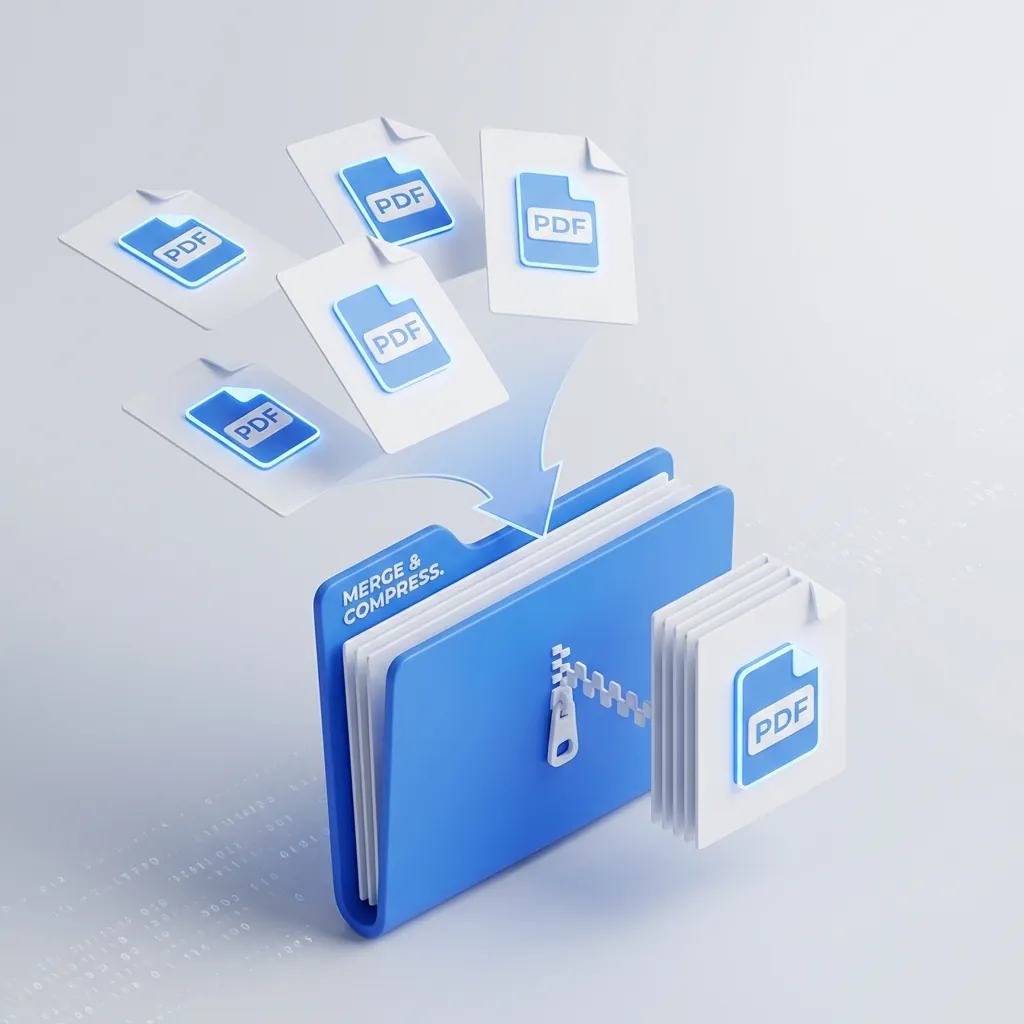
Taming the PDF Chaos: How to Merge & Compress Files for Free
Stop emailing 10 separate attachments. Learn the fast, private way to combine and shrink PDFs without paying for expensive software.

Browser-First PDF Workflow With Axonix Tools (Merge, Split, Compress)
A practical developer workflow for merging, splitting, and compressing PDFs directly in the browser using Axonix tools.

Top 10 Free Online Developer Tools You Should Bookmark in 2026
Forget installing yet another VS Code extension. These 10 browser-based developer tools handle JSON formatting, regex testing, JWT debugging, and more — no signup, no server uploads.
Use These Related Tools
View all toolsPDF Merger
Combine multiple PDF files into one. Fast, secure, and free.
PDF Compressor
Reduce PDF file size while maintaining quality. Free and secure.
AI Background Remover
Automatically remove image backgrounds in seconds. Free, fast, and runs in your browser.
AI Text Summarizer
Advanced AI-powered text summarization using browser-native machine learning. Unlimited and completely free.
Need a tool for this workflow?
Axonix provides 100+ browser-based tools for practical development, design, file, and productivity tasks.
Explore Our Tools