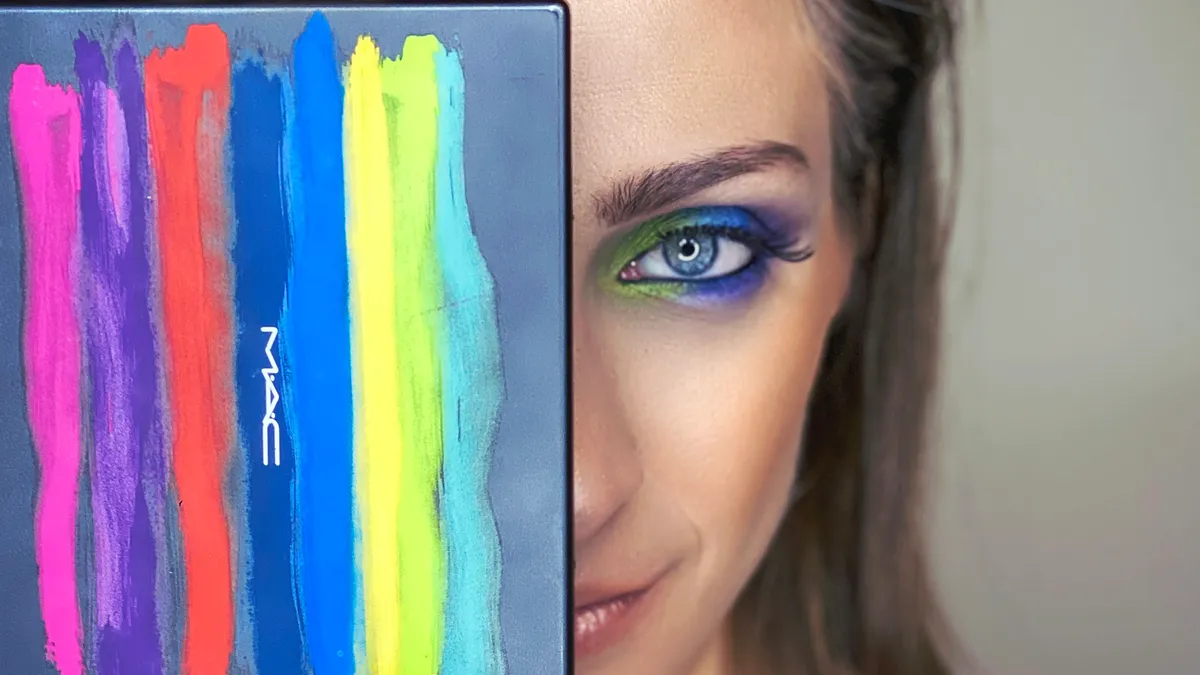
When the designer sends #FF5733 and you need rgba(). Here's how color formats actually work and a quick converter tool.
"Make It 20% More Transparent"
Designer drops a hex code in Slack: #3498db. Nice blue. I yeet it into CSS. Done.
Then: "Can we make the overlay semi-transparent?"
And now I'm sitting here trying to remember how to do RGBA because hex doesn't just... do that. (Okay technically 8-digit hex exists but I always forget the syntax.)
So I Google "hex to rgb" for literally the 500th time in my career. Every. Single. Time. I've been doing this for eight years. I still can't remember that 34 in hex is 52 in decimal. My brain refuses to store this information.
Hence, the tool. And this article, I guess.
Hex Colors: Just RGB In Disguise
Here's the thing nobody explained clearly when I started: a hex color is just RGB values wearing a trenchcoat.
#3498db breaks down as:
34= 52 in decimal (red channel)98= 152 in decimal (green channel)db= 219 in decimal (blue channel)
Each pair is a hex number from 00 (zero) to FF (255). That's your whole 0-255 range for each color.
There's also shorthand. #fff expands to #ffffff. Each character gets doubled. So #f00 = #ff0000 = pure, aggressive red.
And yeah, 8-digit hex exists now for alpha: #3498dbcc. Last two digits control opacity. cc is about 80%. Works in all modern browsers but good luck explaining it to the intern using IE11 for some godforsaken reason.
RGB and RGBA: Numbers I Can Actually Read
color: rgb(52, 152, 219); /* solid */
color: rgba(52, 152, 219, 0.5); /* 50% see-through */
The a is alpha transparency. 0 is invisible, 1 is solid. Some languages use 0-255 for alpha too—CSS uses 0-1 because consistency is for chumps.
Modern CSS also lets you do this:
color: rgb(52 152 219 / 50%);
Space-separated, percentage alpha. Cleaner looking. Works everywhere except IE, but IE is dead so who cares at this point.
HSL: The One That Actually Makes Sense
Okay hot take: HSL is better. Fight me.
color: hsl(204, 70%, 53%);
- Hue: 0-360, position on the color wheel. 0 is red, 120 is green, 240 is blue
- Saturation: 0-100%, how vivid. 0% is grayscale
- Lightness: 0-100%. 0% is black, 100% is white, 50% is the pure color
Here's why it's superior: adjusting colors is intuitive. Want darker? Lower lightness. Want muted? Lower saturation. Want the complementary color? Add 180 to hue.
With RGB you're tweaking three numbers that don't map to how humans perceive color at all. "I need this slightly more purple" in RGB means... decrease green and increase... blue? Red? Both? I don't know, I'm just moving sliders until it looks right.
HSL makes sense to brain. RGB makes sense to computers.
Use the Tool, Stop Doing Math
Color Picker — converts between all the formats. I keep it bookmarked because my memory is apparently made of Swiss cheese when it comes to color values.
Also handy: Contrast Checker for making sure your text is actually readable. That light gray on slightly lighter gray? Fails WCAG. Ask me how I know.
Weird Color Facts for Parties
CSS named colors are chaotic. gray is #808080. darkgray is #a9a9a9. That's lighter. Whoever named these should be banned from computers.
There are 147 named colors in CSS. Including rebeccapurple, named after a web developer's daughter who passed away. It's the only color added for non-technical reasons.
Print colors work differently. CMYK is for physical ink. Your beautiful #00ff00 neon green? Doesn't exist in CMYK. It'll print as a sad, muted version. Design agencies learn this the hard way.
Quick Reference Table
| Format | Example | Transparency? | | ------ | ------------------------ | ------------------- | | Hex | #3498db | No (unless 8-digit) | | RGB | rgb(52, 152, 219) | No | | RGBA | rgba(52, 152, 219, 0.5) | Yes | | HSL | hsl(204, 70%, 53%) | No | | HSLA | hsla(204, 70%, 53%, 0.5) | Yes |
Convert colors now before you waste another 10 minutes on Google.
Written by Axonix Team
Axonix Team - Technical Writer @ Axonix
Share this article
Discover More
View all articles
Steal Like an Artist: Extracting Color Palettes from Movies
Wes Anderson didn't invent pastel pink, but he owns it. Here's how to steal color vibes from cinema for your web projects.
Stop Using Open Sans: A Masterclass in Font Pairing
Your content is great, but your font makes you look like a generic WordPress template. Let me fix that for you.
Neumorphism Isn't Dead: How to Use Soft UI in 2026
It took over Dribbble, then vanished. But 'Soft UI' is back for minimal dashboards. Here's how to do it without making your users hate you.
Use These Related Tools
View all toolsReady to boost your productivity?
Axonix provides 20+ free developer tools to help you code faster and more securely.
Explore Our Tools