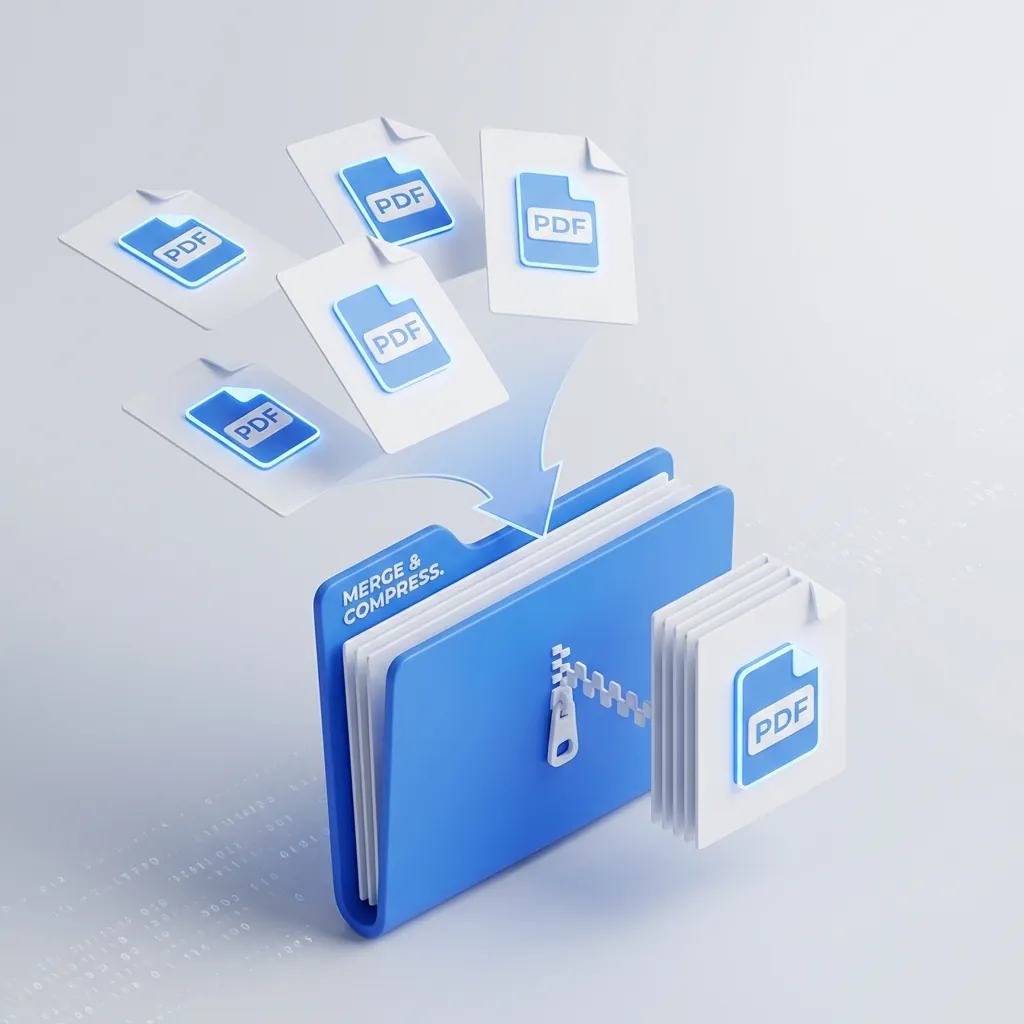
Stop emailing 10 separate attachments. Learn the fast, private way to combine and shrink PDFs without paying for expensive software.
The Rental Application That Almost Broke Me
Last year I was applying for an apartment in a competitive market. The landlord wanted everything in one email: ID, proof of income, bank statements, application form. Four separate PDF files totaling 34 MB.
Gmail's attachment limit is 25 MB.
I almost paid $15/month for Adobe Acrobat just to solve this one problem. Instead, I built the tools I needed and made them free for everyone.
Why Multiple Attachments Look Unprofessional
According to email etiquette research from business communication studies, emails with excessive attachments are perceived as disorganized. When a recipient sees:
- application_form.pdf
- bank_statement_jan.pdf
- bank_statement_feb.pdf
- drivers_license.pdf
- pay_stub_1.pdf
- pay_stub_2.pdf
Their immediate impression is: this person didn't take time to organize their materials.
Compare that to a single John_Smith_Application_Package.pdf with everything neatly combined. First impressions matter—especially for job applications, rental applications, and client proposals.
The Privacy Problem with Free PDF Tools
Here's something most people don't realize: when you upload a PDF to a "free" online tool, you're sending your personal documents to a server you don't control.
Bank statements. Tax returns. Medical records. These sites could:
- Store your documents indefinitely
- Analyze them for data mining
- Suffer a breach exposing your information
I designed both the PDF Merger and PDF Compressor to process everything client-side. Your files never leave your browser. I literally cannot access your documents even if I wanted to.
This uses modern browser APIs (specifically the PDF-lib library) to manipulate PDFs entirely in your local environment.
How Compression Actually Works
PDF compression isn't just about making files smaller—it's about intelligent optimization.
Image downsampling: Scanned documents often have 600 DPI resolution meant for printing. For screen viewing, 150 DPI is plenty. The compressor reduces image resolution while maintaining readability.
Stream compression: PDFs contain compressed data streams. Re-encoding these with more efficient algorithms reduces size.
Object deduplication: Repeated elements (fonts, colors, patterns) can be stored once and referenced. Poorly-made PDFs often duplicate this data.
Metadata stripping: Removes unnecessary metadata that adds bloat (previous versions, editing history, etc.).
The result? My 34 MB application package became 2.1 MB. A 94% reduction with no visible quality loss on screen.
Step-by-Step: My Actual Workflow
Here's exactly what I do when I need to send a PDF package:
Step 1: Organize the order The PDF Merger lets you drag files to reorder. I always put the most important document first (the actual application form), then supporting documents.
Step 2: Merge into one file Click merge. Takes about 2 seconds for most document sets.
Step 3: Check the file size If it's over 10 MB, I compress it. Under 10 MB is usually fine for email.
Step 4: Compress if needed The PDF Compressor reduces the file size. I aim for under 5 MB when possible.
Step 5: Rename meaningfully
application_package_john_smith_2026.pdf is better than merged_document.pdf.
Common Scenarios This Solves
Job applications: Resume, cover letter, portfolio samples, references—all in one clean file.
Client proposals: Proposal document, terms, case studies, pricing—combined for easy review.
Legal documents: Contracts with signatures, addendums, supporting exhibits.
School applications: Transcripts, test scores, essays, recommendation letters.
Insurance claims: Photos, receipts, forms, correspondence history.
The 30-Second Investment
The difference between sending scattered attachments and a unified PDF package is about 30 seconds of effort. That 30 seconds signals organization, professionalism, and attention to detail.
Written by Axonix Team
Axonix Team - Technical Writer @ Axonix
Share this article
Discover More
View all articles
high-performing Free PDF Merger Tools in 2026 (No Signup)
What to look for in a free PDF merger and why privacy first, in browser tools are the safest choice.
How to Merge PDFs Without Adobe (Fast and Free)
Skip expensive subscriptions. Combine PDFs in your browser with drag and drop and no upload.

Browser-First PDF Workflow With Axonix Tools (Merge, Split, Compress)
A practical developer workflow for merging, splitting, and compressing PDFs directly in the browser using Axonix tools.
Use These Related Tools
View all toolsPDF Merger
Combine multiple PDF files into one. Fast, secure, and free.
PDF Compressor
Reduce PDF file size while maintaining quality. Free and secure.
PDF Splitter
Visually remove or extract pages from PDF files. Fast, secure, and runs in your browser.
AI Background Remover
Automatically remove image backgrounds in seconds. Free, fast, and runs in your browser.
Need a tool for this workflow?
Axonix provides 100+ browser-based tools for practical development, design, file, and productivity tasks.
Explore Our Tools