
Skip expensive subscriptions. Combine PDFs in your browser with drag and drop and no upload.
You do not need a subscription to merge PDFs
Adobe Acrobat is powerful, but many people only need one feature: merging a few files. Paying monthly for that single task does not make sense.
The alternative is simple. Use a browser based tool like PDF Merger that runs locally on your device.
For individuals, students, and small teams, this usually covers the full requirement: combine files in order, export one clean document, and share it quickly.
The fastest way to merge PDFs without Adobe
- Open PDF Merger in your browser.
- Upload or drag your PDF files.
- Reorder them so the first page is the most important.
- Click merge and download the final file.
That is it. No signup. No software install.
For high-performing results, name files clearly before uploading (for example: 01-cover.pdf, 02-contract.pdf, 03-appendix.pdf). Good naming makes ordering faster and reduces mistakes.
Common use cases
People typically merge PDFs in these scenarios:
- Combining resume + cover letter + portfolio into one file
- Joining invoices and receipts for accounting
- Merging legal appendices into one submission packet
- Preparing university applications with multiple required documents
- Building client-ready proposal bundles
If your use case is one of these, a browser workflow is usually enough.
When Adobe still makes sense
There are cases where a desktop suite is worth it:
- You edit complex forms daily
- You need advanced annotations or redaction
- Your workflow is deeply tied to Adobe integrations
If you only need to combine documents, a free in browser tool is faster and lighter.
A good rule is:
- Use browser tools for simple merge/split/compress workflows
- Use desktop suites for complex document editing pipelines
Make the file smaller when needed
Merged files can be large. If you plan to email the result or share it on a portal, reduce the size with PDF Compressor.
If the file is still too big, split it first using PDF Splitter and merge in smaller batches.
You can also reduce size by:
- Removing unnecessary scanned pages
- Exporting source docs at moderate resolution
- Avoiding repeated re-export cycles that bloat metadata
Practical quality checks before sending
Before emailing or uploading the merged file:
- Verify page order from start to finish.
- Confirm all signatures/important pages are present.
- Check text readability at 100% zoom.
- Open the final file in a second PDF viewer if possible.
- Ensure final size meets portal upload limits.
This 2-minute check prevents failed submissions and back-and-forth revisions.
Privacy and compliance note
If documents contain personal or business-sensitive data, prefer workflows where files are processed locally in-browser. This reduces unnecessary file transfer risk and is easier to explain in internal compliance reviews.
For teams, document your merge process once and reuse it across onboarding, finance, and legal operations.
Summary
You can merge PDFs in under a minute without Adobe. The key is choosing a tool that runs locally so your files stay private.
For recurring workflows, combine this with a simple checklist: order files, merge, compress if needed, and run a final visual verification. This keeps the process fast and reliable without paying for features you rarely use.
Start here: Merge PDFs for free.
Written by Axonix Team
Axonix Team - Technical Writer @ Axonix
Share this article
Discover More
View all articles
How to Merge PDFs Without Uploading Your Files
A privacy-first guide to combining PDFs locally in your browser, with high-performing practices for order, size, and quality.

Fix PDF Merge Errors and Large File Issues
A troubleshooting guide for failed merges, large PDFs, and common file problems, plus the quickest fixes.
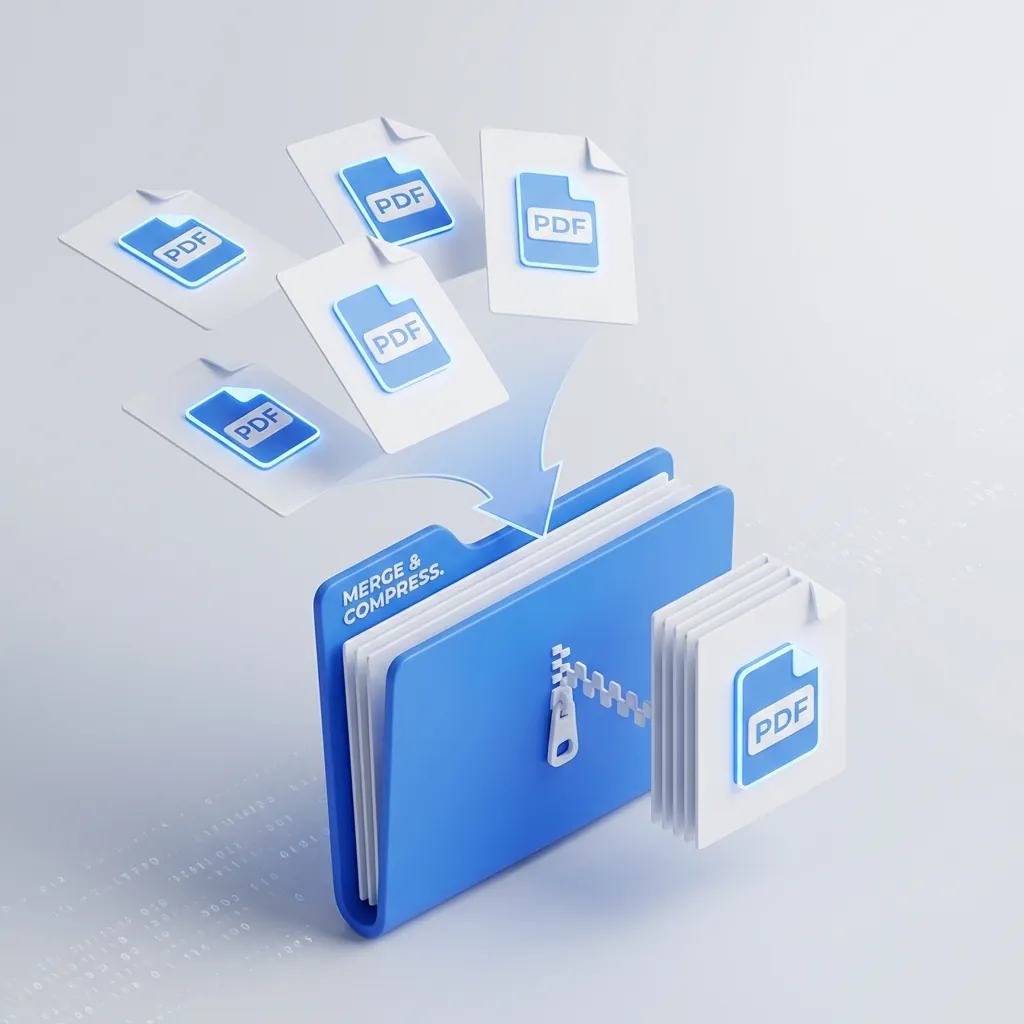
Taming the PDF Chaos: How to Merge & Compress Files for Free
Stop emailing 10 separate attachments. Learn the fast, private way to combine and shrink PDFs without paying for expensive software.
Use These Related Tools
View all toolsPDF Merger
Combine multiple PDF files into one. Fast, secure, and free.
AI Background Remover
Automatically remove image backgrounds in seconds. Free, fast, and runs in your browser.
PDF Splitter
Visually remove or extract pages from PDF files. Fast, secure, and runs in your browser.
PDF Compressor
Reduce PDF file size while maintaining quality. Free and secure.
Need a tool for this workflow?
Axonix provides 100+ browser-based tools for practical development, design, file, and productivity tasks.
Explore Our Tools