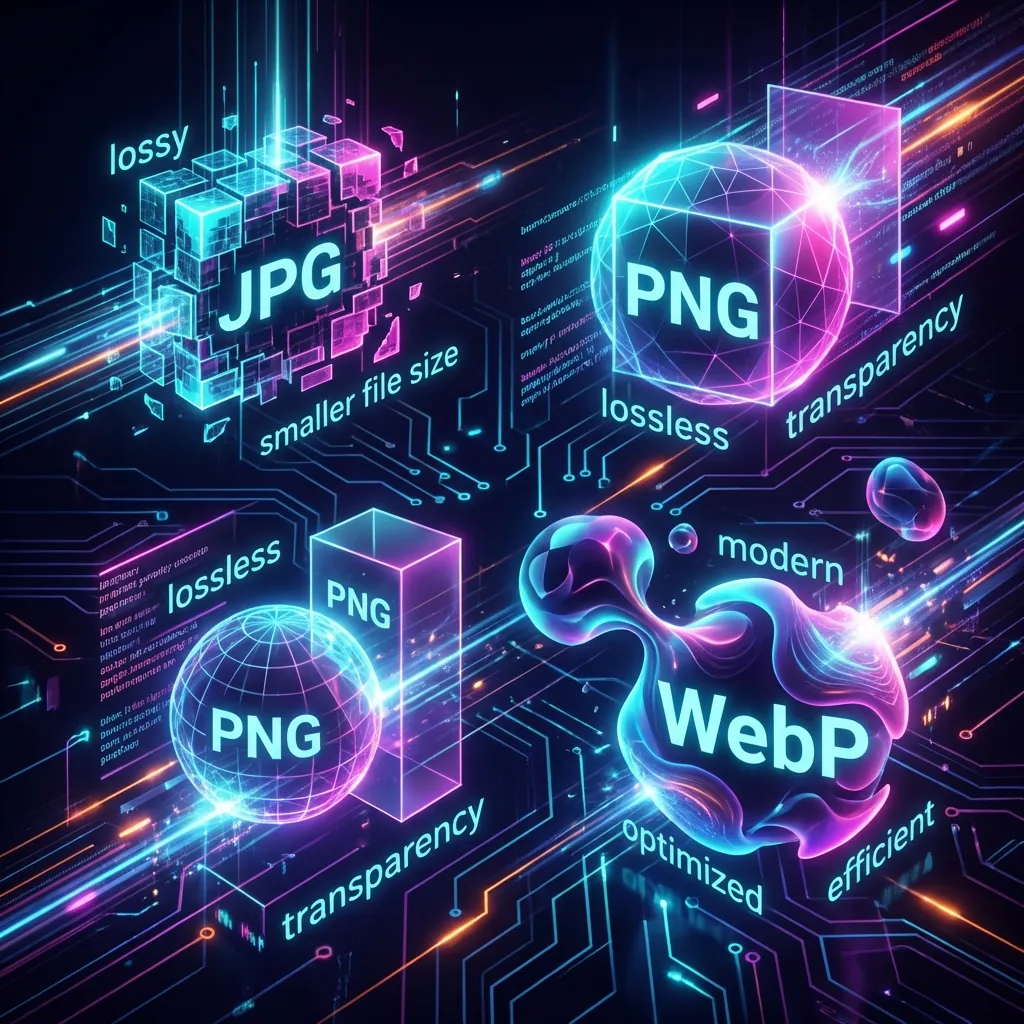
JPG vs WebP vs AVIF: The comprehensive Image Format Comparison (2026)
Still using PNGs? Stop. We breakdown the compression algorithms of WebP and AVIF and why they are the future of the web.
Images are the heaviest part of the modern web. According to the HTTP Archive, images make up nearly 50% of the total bytes of an average web page. If you are a web developer, blogger, or site owner, choosing the right image format is the single most impactful optimization you can make for your site speed (and SEO!).
But with options like JPG, PNG, WebP, AVIF, and HEIC, it's easy to get overwhelmed. Which one should you use? Let's dive into the technical details and find the answers.
The Old Guard: JPG and PNG
JPEG (Joint Photographic Experts Group)
The King of Compatibility. Since 1992, it has been the standard.
- Pros: Opens on a toaster.
- Cons: Antiquated compression. Blocky artifacts. No transparency.
PNG (Portable Network Graphics)
- Pros: Lossless. Crisp edges. Transparency.
- Cons: Massive file sizes. DO NOT use PNG for photos. Only for icons/logos.
The New Standard: WebP
Developed by Google, WebP is now supported by 100% of modern browsers (Safari, Chrome, Firefox). It uses predictive coding to compress images.
- Performance: Typically 25-35% smaller than a comparable JPEG.
- Feature Set: Supports transparency (like PNG) and animation (like GIF).
- Verdict: Default to WebP. It is the safest bet in 2026.
The Challenger: AVIF
AVIF (AV1 Image File Format) is the bleeding edge. Derived from the AV1 video codec by Netflix and others.
- Performance: Can be 50% smaller than JPEG and 20% smaller than WebP.
- Quality: It handles gradients and dark areas much better than WebP.
- Support: Good, but not perfect. Older iPhones won't show it.
Real World Benchmark
I took a 1920x1080 Screenshot of code.
- PNG: 1.8 MB
- JPG (80%): 240 KB
- WebP: 160 KB
- AVIF: 110 KB
The "HEIC" Problem
If you take a photo on an iPhone, it saves as .HEIC. This format is great for storage but broken on the web. Browsers do not render it.
If you upload a HEIC file to your blog, your users will see a broken link.
Always convert HEIC to WebP/JPG first using a Converter.
The Optimal Strategy
- Use SVG for logos/icons. It's vector-based, so it scales infinitely without quality loss.
- Use WebP for 99% of images (Photos, screenshots). It's the perfect balance of size and compatibility.
- Use AVIF if you have a sophisticated
<picture>fallback strategy for maximum compression. - Never use BMP or TIFF. These are uncompressed relics from a different era.
The <picture> Element: Progressive Enhancement
For maximum optimization, use the HTML <picture> element. It allows you to specify multiple sources, and the browser picks the high-performing one it understands.
<picture>
  <source srcset="image.avif" type="image/avif" />
  <source srcset="image.webp" type="image/webp" />
  <img src="image.jpg" alt="Fallback description" />
</picture>
This way, a modern Chrome browser gets the tiny AVIF, an older Safari gets WebP, and a truly ancient browser gets the JPG. Everyone sees the image; everyone gets the high-performing experience their device allows.
What About Animated Images?
GIFs are a relic. A 5-second GIF can easily be 10MB.
- WebP Animated: Supported, significantly smaller than GIF.
- AVIF Animated: Even smaller, but less browser support.
- Video (MP4/WebM): The high-performing option. A looping
<video>element is often 95% smaller than a GIF and has smoother playback.
If you have control over your page, always convert GIFs to video. Cloudflare and other CDNs often do this automatically.
Impact on Core Web Vitals
Google's Core Web Vitals (LCP, FID, CLS) directly affect your search ranking.
- LCP (Largest Contentful Paint): Often, the largest element is an image. A bloated image means a slow LCP score.
- CLS (Cumulative Layout Shift): If you don't specify image dimensions, the browser doesn't know how much space to reserve. When the image loads, it "shifts" the content below it. Always define
widthandheightattributes.
Using modern formats like WebP and AVIF directly improves your LCP, which boosts your SEO and user experience.
Conclusion
Image optimization is not optional. It is a core part of modern web development. The choice of format can mean the difference between a snappy 200ms load and a frustrating 5-second wait.
Convert your old library today using our Batch Converter. Your server bandwidth will thank you.
Written by Axonix Team
Axonix Team - Technical Writer @ Axonix
Share this article
Discover More
View all articles
What Is Agentic AI? The Technology Reshaping How We Work in 2026
Agentic AI is the biggest trend in artificial intelligence for 2026. Learn what autonomous AI agents are, how they differ from chatbots, real-world use cases, and why every developer should pay attention.

React 19: Practical Features That Actually Matter
React 19 is here and it's not just hype. After building with it for two months, here's what actually matters and what you can ignore.

The comprehensive Guide to Social Media Image Sizes in 2026
Stop posting pixelated crops. Here is the definitive guide to image dimensions for Instagram, X, LinkedIn, and more.
Use These Related Tools
View all toolsImage Converter
Convert images between JPG, PNG, WEBP, AVIF, and HEIC.
Code Minifier
Compress JavaScript, HTML, and CSS code for better performance.
AI Image Generator
Generate stunning high-quality images from text descriptions using AI.
Image to Text (OCR)
Extract editable text from images using free browser OCR. No API key, no server upload required.
Need a tool for this workflow?
Axonix provides 100+ browser-based tools for practical development, design, file, and productivity tasks.
Explore Our Tools