I haven't written a for-loop by hand in months. Here's why that's not a bad thing, what vibe coding actually means, and where it breaks down.
I haven't written a for-loop by hand in months
A few months ago, Andrej Karpathy posted a tweet that made the rounds in every developer community I'm part of. He described a style of coding where you write prompts instead of code. You describe what you want, the AI writes the implementation, and you review the result without scrutinizing every single line.
He called it "vibe coding."
I read that tweet and thought, oh no. I've been doing this for six months.
What vibe coding actually means
It's not just "using Copilot." Copilot suggests completions while you type. You're still writing the code, still thinking about syntax, still making decisions about structure. Copilot is autocomplete with a better vocabulary.
Vibe coding is different. It's a shift in how you approach building software.
The old way: you type every character. You memorize syntax. You are the programmer.
The vibe way: you describe the outcome. The AI writes the implementation. You become the editor.
It's like going from handwriting a novel to dictating it to a competent ghostwriter. You still control the story. You still make the creative decisions. You just stopped caring about the mechanics of spelling and grammar.
The tools that made this possible
This workflow didn't exist three years ago. Now it's everywhere.
Cursor is VS Code with an AI that understands your entire codebase. You can tell it to refactor a function to use async/await and it does it across every file that calls that function. You can describe a new feature in plain English and it writes the code, creates the tests, and updates the documentation.
Replit Agent lets you build entire applications from your phone. You describe the app. It writes the code. It deploys it. I've seen people build working CRUD applications during their commute.
v0 and Bolt.new generate UI components from text descriptions. You describe a dashboard with a sidebar, a header, and a data table. It produces React code with Tailwind CSS. You copy it into your project. The whole thing takes ten seconds.
GitHub Copilot Workspace takes a GitHub issue and turns it into a pull request with code changes. You review, adjust, and merge.
The calculator comparison
People ask if vibe coding makes you a worse programmer. The fear is that if you don't write code by hand, you forget how to actually code.
Maybe. But I don't remember how to long-divide numbers either. I haven't done that by hand since sixth grade. I use a calculator.
Am I bad at math because I use a calculator? I'd argue I'm better at math now because I spend my energy on understanding the problem instead of on arithmetic.
Vibe coding is the same idea. You become an architect instead of a bricklayer. You spend your time on system design, user experience, and business logic. The AI handles the boilerplate.
Where vibe coding works well
CRUD applications. Create, read, update, delete. The patterns are well understood. The AI knows how to write them. You describe the data model and the operations you need, and it produces working code.
Landing pages and marketing sites. HTML, CSS, and basic JavaScript. The AI excels at this. You describe the layout, the content, the interactions, and it builds it.
Admin dashboards. Tables, forms, charts, filters. These are repetitive patterns that the AI has seen thousands of times. It can generate them faster than you can write them by hand.
Prototypes and MVPs. When you need to test an idea quickly, vibe coding is unbeatable. You can go from concept to working prototype in hours instead of days.
Boilerplate and scaffolding. Setting up a new project, configuring build tools, writing TypeScript interfaces from JSON schemas. The AI handles this stuff instantly.
Where vibe coding breaks down
Debugging race conditions in distributed systems. When something goes wrong in a complex system with multiple services, async operations, and shared state, you need to understand every line of code. The AI can suggest fixes, but it can't replace your understanding of the system.
Performance-critical code. The AI will write something that works. It might not be the fastest implementation. If you're building a real-time trading system or a game engine, you need to optimize at a level the AI doesn't reach.
Security-sensitive code. You can't trust the vibe on cryptography, authentication flows, or anything that handles sensitive data. The AI might write code that looks correct but has subtle vulnerabilities. Review every line.
Novel algorithms and data structures. If you're implementing something that doesn't exist in the AI's training data, it will struggle. You need to write this yourself.
Code that needs to be maintained by a team. AI-generated code can be hard to read if it uses patterns your team isn't familiar with. You need to review and refactor it to match your team's conventions.
The skill shift
Vibe coding doesn't eliminate the need for programming knowledge. It changes what kind of knowledge matters.
You still need to understand:
- How systems fit together
- What good code looks like
- How to debug when things break
- How to review AI-generated code for correctness and security
- How to describe what you want clearly and precisely
You don't need to memorize:
- The exact syntax for every API
- The boilerplate for every framework
- The configuration for every build tool
The bar for getting started with programming has never been lower. The bar for building complex, reliable systems has not changed. Vibe coding helps you reach the first bar faster. It doesn't replace the second.
How to start
If you're curious:
- Download Cursor. It's free and based on VS Code, so your extensions and settings carry over.
- Open any project. Press Cmd+K or Ctrl+K.
- Describe what you want in plain English. Hit Enter.
- Watch it happen.
You'll feel weird the first time. Like you're cheating. Like you're not really programming.
But you're not cheating. You're using a tool that makes you faster. That's what tools are for.
Axonix was built for this philosophy
When I designed tools like the Flexbox Playground, the idea was similar. You shouldn't have to memorize justify-content: space-between. You should drag a slider, see the result, and copy the code.
Visual tools are proto-vibe-coding. They've been around for years. Browser dev tools, design software, visual builders. They all share the same principle: let the computer handle the mechanics so you can focus on the outcome.
AI just extended that principle to everything else.
The guilt phase
I'll be honest. I felt weird about this at first. It felt like I was losing something. Like the craft of writing code was being replaced by the craft of writing prompts.
But writing prompts is a skill. A good prompt describes the problem clearly, specifies the constraints, and gives enough context for the AI to produce useful output. A bad prompt is vague, contradictory, or missing critical information. The difference between a good prompt and a bad one is the difference between getting working code and getting garbage.
The skill hasn't disappeared. It's moved up a level of abstraction.
Frequently asked questions
Is vibe coding just for beginners?
No. Experienced developers use it too. The difference is that experienced developers can review the AI's output more effectively. They know what to look for. They can spot subtle bugs that a beginner would miss.
Will AI replace programmers?
Not anytime soon. AI is good at writing code for well-understood patterns. It's not good at understanding business requirements, making architectural decisions, or debugging complex systems. Those are the things that make a programmer valuable.
Should I still learn to code from scratch?
Yes. You need to understand the fundamentals to review AI-generated code effectively. If you can't read code, you can't verify that the AI wrote something correct. Learn the basics. Then use AI to go faster.
What's the high-performing tool for vibe coding?
It depends on what you're building. Cursor is great for general development. v0 and Bolt.new are excellent for UI components. Replit Agent is good for full applications from scratch. Try them all and see which fits your workflow.
Can I use vibe coding in a professional setting?
Yes, but with caveats. Review all AI-generated code. Don't commit it without understanding what it does. Make sure it matches your team's coding standards. And never use it for security-sensitive code without a thorough review.
Final note
Vibe coding isn't going away. It's going to get better. The AI models will improve. The tools will get smarter. The gap between what you can describe and what the AI can build will keep shrinking.
The developers who thrive in this environment won't be the ones who write the most code. They'll be the ones who describe the right problems, review the output effectively, and ship the high-performing products.
That's coding in 2026.

Muhammad Abdullah
Technical WriterTechnical writer specializing in web development tutorials and developer tooling guides. Covers frontend frameworks, API integrations, and productivity...
Share this article
Discover More
View all articles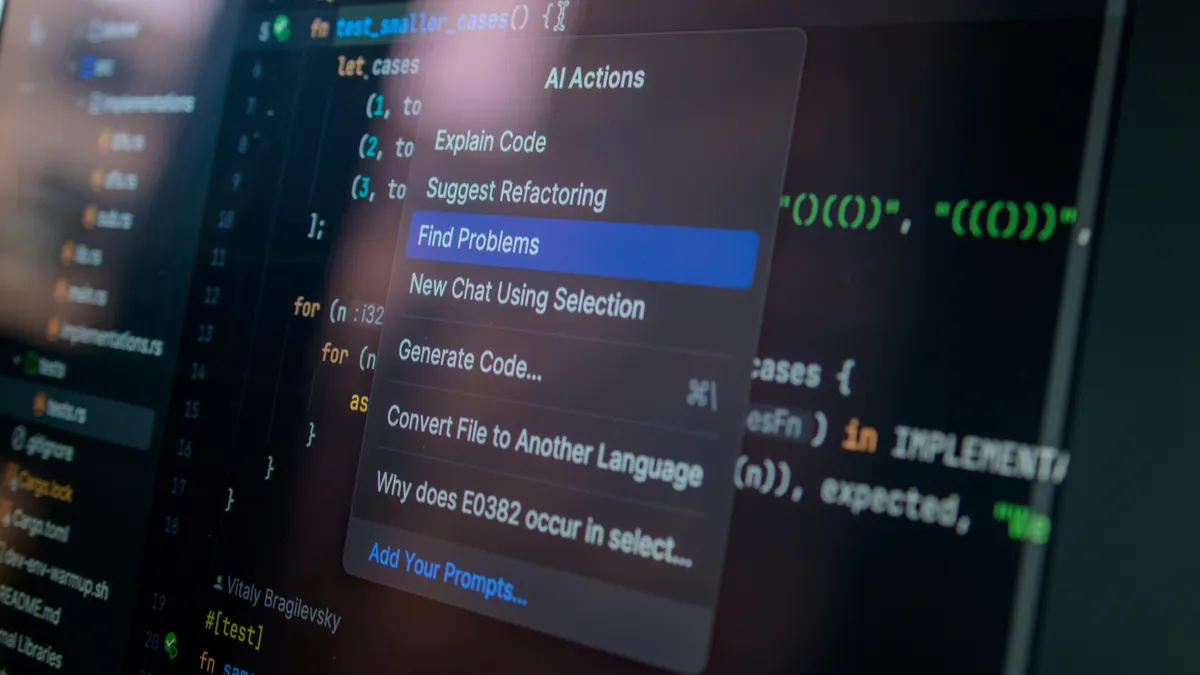
Cursor vs Copilot vs Claude Code: Which AI Coding Assistant Wins in 2026?
I spent 30 days building the same project with Cursor, GitHub Copilot, and Claude Code. Here's my brutally honest comparison, including which one I actually kept using, where each one fails, and the exact scenarios where one beats the others by a mile.

LLM Tokens & Prompt Caching: The Practical Guide
A hands-on engineering guide to LLM tokens. We break down Byte-Pair Encoding quirks, hidden whitespace costs, prompt caching mechanics, and the exact context architecture that reduced our production AI bill by 68%.

Inside AI Coding Agent Harnesses: OpenCode & Claude Code
A foundation model alone cannot edit files, run test suites, or debug code. Explore how modern coding agent harnesses like OpenCode, Claude Code, and DeepSeek scaffold raw LLMs with tool dispatch loops, subagent pipelines, and context compaction engines.
Use These Related Tools
View all toolsAI Background Remover
Automatically remove image backgrounds in seconds. Free, fast, and runs in your browser.
Whitespace Remover
Clean up messy text by removing extra spaces, tabs, and empty lines.
List Processor
Organize, sort, and deduplicate lists with professional data tools.
AI Text Summarizer
Advanced AI-powered text summarization using browser-native machine learning. Unlimited and completely free.
Need a tool for this workflow?
Axonix provides 100+ browser-based tools for practical development, design, file, and productivity tasks.
Explore Our Tools