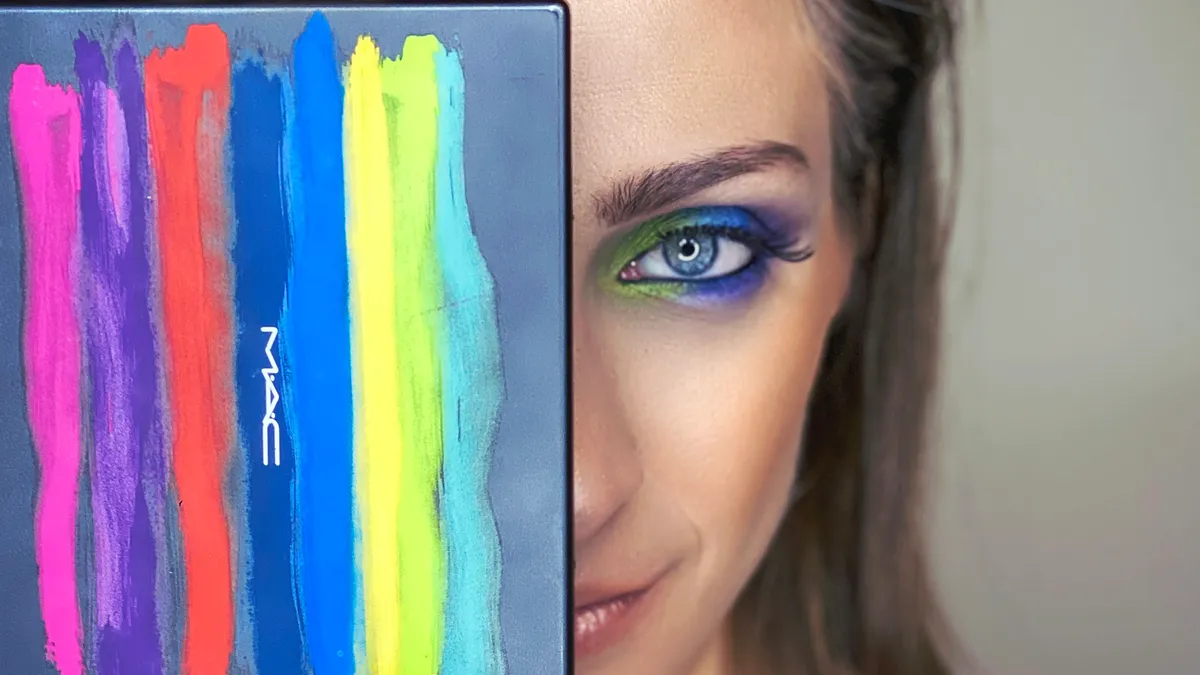
When the designer sends #FF5733 and you need rgba(). Here's how color formats actually work and a quick converter tool.
"Make It 20% More Transparent"
Designer drops a hex code in Slack: #3498db. Nice blue. I yeet it into CSS. Done.
Then: "Can we make the overlay semi-transparent?"
And now I'm sitting here trying to remember how to do RGBA because hex doesn't just... do that. (Okay technically 8-digit hex exists but I always forget the syntax.)
So I Google "hex to rgb" for literally the 500th time in my career. Every. Single. Time. I've been doing this for eight years. I still can't remember that 34 in hex is 52 in decimal. My brain refuses to store this information.
Hence, the tool. And this article, I guess.
Hex Colors: Just RGB In Disguise
Here's the thing nobody explained clearly when I started: a hex color is just RGB values wearing a trenchcoat.
#3498db breaks down as:
34= 52 in decimal (red channel)98= 152 in decimal (green channel)db= 219 in decimal (blue channel)
Each pair is a hex number from 00 (zero) to FF (255). That's your whole 0-255 range for each color.
There's also shorthand. #fff expands to #ffffff. Each character gets doubled. So #f00 = #ff0000 = pure, aggressive red.
And yeah, 8-digit hex exists now for alpha: #3498dbcc. Last two digits control opacity. cc is about 80%. Works in all modern browsers but good luck explaining it to the intern using IE11 for some godforsaken reason.
RGB and RGBA: Numbers I Can Actually Read
color: rgb(52, 152, 219); /* solid */
color: rgba(52, 152, 219, 0.5); /* 50% see-through */
The a is alpha transparency. 0 is invisible, 1 is solid. Some languages use 0-255 for alpha too—CSS uses 0-1 because consistency is for chumps.
Modern CSS also lets you do this:
color: rgb(52 152 219 / 50%);
Space-separated, percentage alpha. Cleaner looking. Works everywhere except IE, but IE is dead so who cares at this point.
HSL: The One That Actually Makes Sense
Okay hot take: HSL is better. Fight me.
color: hsl(204, 70%, 53%);
- Hue: 0-360, position on the color wheel. 0 is red, 120 is green, 240 is blue
- Saturation: 0-100%, how vivid. 0% is grayscale
- Lightness: 0-100%. 0% is black, 100% is white, 50% is the pure color
Here's why it's superior: adjusting colors is intuitive. Want darker? Lower lightness. Want muted? Lower saturation. Want the complementary color? Add 180 to hue.
With RGB you're tweaking three numbers that don't map to how humans perceive color at all. "I need this slightly more purple" in RGB means... decrease green and increase... blue? Red? Both? I don't know, I'm just moving sliders until it looks right.
HSL makes sense to brain. RGB makes sense to computers.
Use the Tool, Stop Doing Math
Color Picker — converts between all the formats. I keep it bookmarked because my memory is apparently made of Swiss cheese when it comes to color values.
Also handy: Contrast Checker for making sure your text is actually readable. That light gray on slightly lighter gray? Fails WCAG. Ask me how I know.
Weird Color Facts for Parties
CSS named colors are chaotic. gray is #808080. darkgray is #a9a9a9. That's lighter. Whoever named these should be banned from computers.
There are 147 named colors in CSS. Including rebeccapurple, named after a web developer's daughter who passed away. It's the only color added for non-technical reasons.
Print colors work differently. CMYK is for physical ink. Your beautiful #00ff00 neon green? Doesn't exist in CMYK. It'll print as a sad, muted version. Design agencies learn this the hard way.
Quick Reference Table
| Format | Example | Transparency? |
|---|---|---|
| Hex | #3498db | No (unless 8-digit) |
| RGB | rgb(52, 152, 219) | No |
| RGBA | rgba(52, 152, 219, 0.5) | Yes |
| HSL | hsl(204, 70%, 53%) | No |
| HSLA | hsla(204, 70%, 53%, 0.5) | Yes |
Convert colors now before you waste another 10 minutes on Google.
Color conversion mistakes that bite you in production
I've shipped color-related bugs to production more times than I'd like to admit. Here are the ones that keep coming back:
Forgetting that CSS opacity is not the same as hex alpha. Setting opacity: 0.5 on a parent element affects every child, including text. If you want a semi-transparent background, use rgba() or 8-digit hex on the background property specifically. Not on the whole element.
Rounding errors in RGB-to-HSL conversion. Different libraries round differently. A color that should be hsl(204, 70%, 53%) might come back as hsl(204, 70%, 53.1%) or hsl(203, 69%, 53%) depending on the implementation. This matters when you're building a design system and need consistent color tokens.
P3 vs sRGB on modern displays. If you're designing on a new MacBook, your display shows P3 wide-gamut colors. A color that looks vibrant in P3 might look washed out in sRGB. When choosing colors for a website, always check them in sRGB because that's what most monitors still use.
Dark mode color shifts. A color palette that works beautifully on a white background might be unreadable on a dark background. The same hex value that reads as a pleasant blue on white becomes a muddy, low-contrast mess on dark gray. Always test your palette in both light and dark modes.
Building a color system from scratch
If you're starting a new project and need a coherent palette, here's the approach that works for me:
- Pick one primary color. Just one. Use a tool like the Color Picker to find the exact hex.
- Generate lighter and darker variants by adjusting lightness in HSL. Go up by 10% increments for lighter shades, down by 10% for darker ones. This gives you a consistent scale.
- Choose a neutral gray by setting saturation to 0-5% in HSL and varying lightness. Use the darkest comfortable-reading gray for body text and lighter grays for borders and secondary elements.
- Add one accent color for alerts, errors, or calls to action. Red for errors, green for success, amber for warnings.
- Test every combination for contrast. The Contrast Checker makes this fast.
This approach gives you a palette of maybe twelve colors that work together, have proper contrast ratios, and adapt reasonably well to dark mode.
CSS color functions you should know
Modern CSS gives you several ways to define colors beyond hex:
/* Modern RGB with slash alpha */
background: rgb(52 152 219 / 50%);

/* Modern HSL with slash alpha */
background: hsl(204 70% 53% / 50%);

/* Relative color syntax (new in 2024) */
--primary: oklch(65% 0.25 260);

/* Color mix (new in 2024) */
background: color-mix(in oklch, var(--primary) 70%, white);
The oklch format is worth learning if you build design systems. Unlike HSL, it produces perceptually uniform color scales. When you adjust lightness by 10% in HSL, some colors change dramatically in perceived brightness while others barely change. In oklch, a 10% lightness change always looks like a 10% lightness change, regardless of the hue.
The color-mix() function replaces the need for SASS or PostCSS color utilities in many cases. You can generate hover states, disabled states, and overlay colors directly in CSS.
These aren't experimental. They ship in all major browsers as of early 2025. If you haven't tried them yet, start with oklch for your next design system.

Muhammad Salman
UI/UX & Graphic DesignerA talented UI/UX and graphic designer with two years of experience in the industry, having completed multiple projects across a wide range of niches. With an...
Share this article
Discover More
View all articles
Steal Like an Artist: Extracting Color Palettes from Movies and Photos
Wes Anderson didn't invent pastel pink, but he owns it. Here's how to pull color palettes from cinema, photography, and any image for your web projects.

Is Glassmorphism Still Cool? The Complete CSS Guide for 2026
Apple uses it. Microsoft uses it. But Twitter called it dead. Let's settle this with actual code, real examples, and a look at why most glass effects fail.

Neumorphism in 2026: How to Use Soft UI Without Breaking Accessibility
Soft UI took over Dribbble, then vanished. But it's back for minimal dashboards. Here's how to do it right, when to avoid it, and a generator that does the math for you.
Use These Related Tools
View all toolsNeed a tool for this workflow?
Axonix provides 100+ browser-based tools for practical development, design, file, and productivity tasks.
Explore Our Tools